PRO Mode 26.4
· One min read
PRO Mode
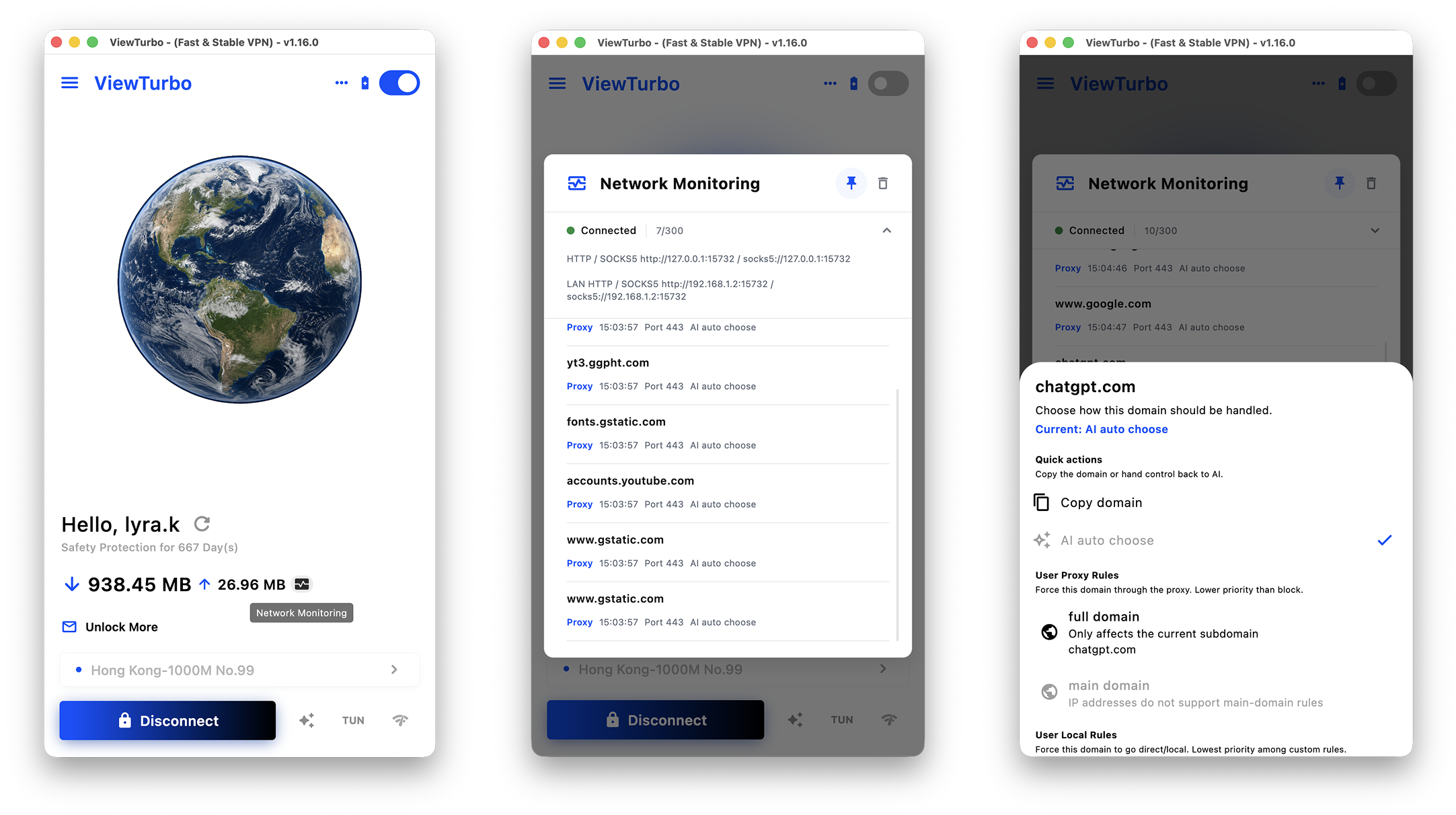
After enabling PRO Mode, you can use Network Monitoring to configure direct and proxy routing rules with greater precision.
After selecting a proxy node, you will also need to choose a relay node. The relay node acts as an upstream forwarding layer between your local network and the target proxy node, helping optimize the connection path from your ISP's egress network to the proxy node.
With relay nodes, ViewTurbo can reduce the impact of ISP-side routing degradation, link interference, or connection blocking to a certain extent. This helps connections avoid unstable network paths and improves stability, availability, and the overall experience during cross-network access.